Log file analysis
What is log file analysis?
Log file analysis is the practice of reviewing your web server’s access logs to see how search engine crawlers actually behave on your site. Every request is recorded with the time, the URL, the status code returned, the response size and the user agent, so you can see which pages Googlebot crawled, how often, and what it got back.
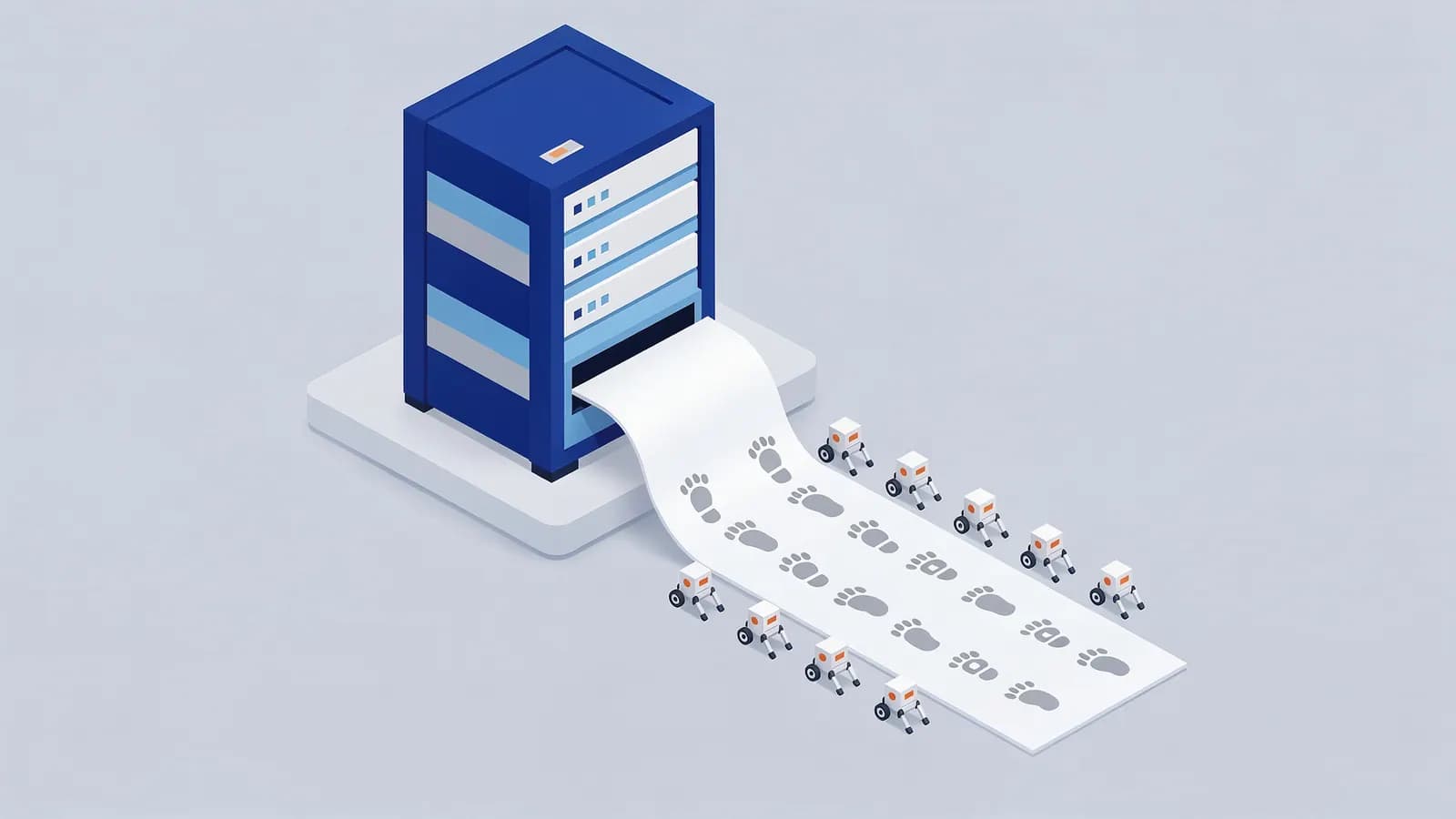
Crawl tools show what a crawler could find by following links. Logs show what real bots did. The two often differ: logs reveal bots spending time on parameter URLs you thought were hidden, important pages that are rarely crawled, redirects and errors only bots hit, and old URLs that are still requested years after a migration.
Because anyone can claim to be Googlebot in a user agent string, real analysis verifies the bot. Google documents two ways: a reverse DNS lookup on the IP address (genuine Googlebot resolves to googlebot.com, google.com or googleusercontent.com, and the forward lookup matches), or checking the IP against the ranges Google publishes.
Why log file analysis matters for SEO
Logs are the only direct evidence of how your crawl budget is spent. On large or frequently changing sites, they show whether new pages are being crawled quickly, whether bots are stuck in faceted navigation or redirect chains, and whether server errors are hitting crawlers. They are also useful for checking how often AI crawlers visit and which pages they request.
For a small site, Search Console’s Crawl Stats report gives a summary that is often enough. Log analysis pays off on sites with tens of thousands of URLs or more, and during migrations.
How to do log file analysis
- Get access logs from your server, host or CDN, covering at least a few weeks. Check that they include the user agent and status code.
- Filter to search engine bots by user agent, then verify them by reverse DNS or published IP ranges.
- Group requests by URL pattern, section and status code to see where crawling goes.
- Compare the crawled URLs with your list of important pages and your sitemap: find important pages that are rarely crawled, and crawled URLs you do not want.
- Look for 3xx, 4xx and 5xx responses served to bots and fix the causes.
- Act on the findings with internal links, robots.txt rules, redirects or server fixes, then check the logs again.
Log file analysis example
66.249.66.1 - - [14/Oct/2026:09:12:44 +0000] "GET /shoes/trail/ HTTP/1.1" 200 51234 "-" "Mozilla/5.0 (compatible; Googlebot/2.1; +http://www.google.com/bot.html)"Log file analysis FAQ
What can log files tell you about SEO?
Which URLs search engine bots requested, how often, what status codes they received and how much time they spent on low-value URLs. It is the most direct view of crawling you can get.
How do I verify Googlebot in my logs?
Run a reverse DNS lookup on the IP and check it resolves to googlebot.com, google.com or googleusercontent.com, then run a forward lookup to confirm it matches. Or compare the IP with Google’s published crawler IP ranges.
Related SEO terms
Crawl budget is the set of URLs Google can and wants to crawl on a site. It only becomes a constraint on very large or fast-changing sites.
Googlebot is Google’s web crawler. It fetches pages so Google Search can index them, using a smartphone crawler for most sites.
A user agent is the software making a web request, identified by a user-agent string such as Googlebot’s that servers and robots.txt can read.
Crawling is how search engines discover pages: automated bots fetch URLs and follow the links on them to find more pages.
AI crawlers (GPTBot, ClaudeBot)
AI crawlers are bots that AI companies use to collect web content for model training or for AI search answers, such as GPTBot and ClaudeBot.
HTTP status codes are three-digit numbers a server returns with each response to say whether a request worked, moved or failed.