Pagination
What is pagination?
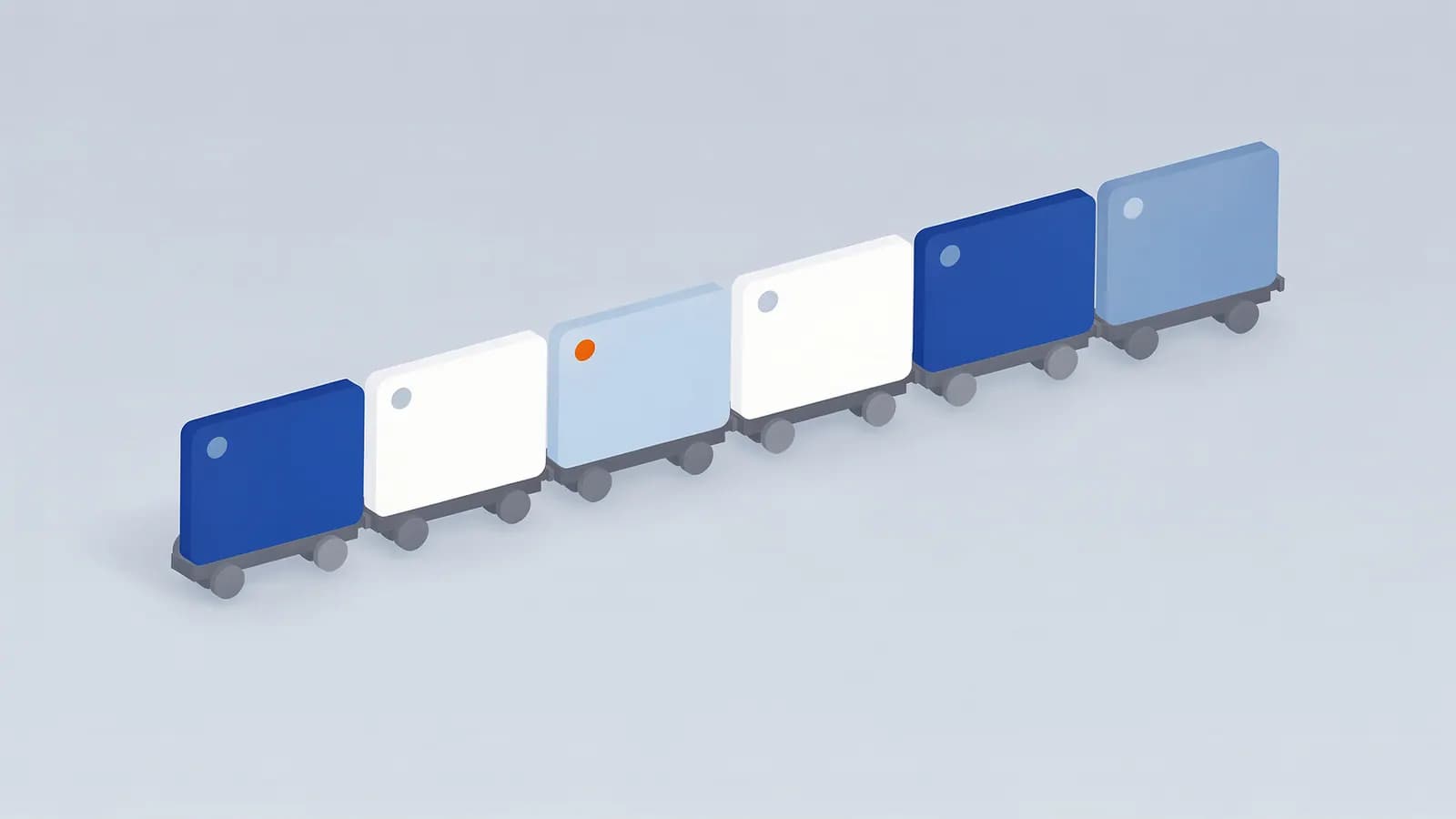
Pagination is the practice of splitting a long list, such as products in a category, posts in a blog archive or comments on a thread, across a series of numbered pages. Each page in the series usually has its own URL, for example /shoes/?page=2 or /blog/page/2/, and links to the next and previous pages.
Google used to support rel="prev" and rel="next" link tags to describe a paginated series. In 2019 it said it no longer uses them as an indexing signal and had not for some time. Google now treats each paginated URL as a normal page, so the series is understood through ordinary links. The tags do no harm, and some other tools still read them, but they do nothing for Google.
Infinite scroll and “load more” buttons are alternatives that load the next items on the same page. They are fine for people, but Googlebot does not scroll or click, so items that only appear that way may not be found unless there are crawlable paginated URLs behind them.
Why pagination matters for SEO
Pagination is how crawlers reach items beyond the first page of a category. If page 2 onwards cannot be crawled, products or articles that only appear there may never be found or may be seen as unimportant. Long series also push items many clicks deep, which affects crawl depth.
Common mistakes cause indexing problems: canonicalising every page in the series to page 1 (which tells Google the later pages are duplicates, so their links may be ignored), noindexing paginated pages, or building pagination links with JavaScript that crawlers cannot follow.
How to handle pagination for SEO
- Give each page in the series its own URL, using a query parameter or path, not a # fragment.
- Link pages with normal <a href> links, ideally to the next and previous page and to page 1.
- Give each paginated page a self-referencing canonical tag. Do not point them all at page 1.
- Let paginated pages be indexed; they are how Google reaches the items on them.
- If you use infinite scroll or a load-more button, back it with paginated URLs that work without JavaScript.
- Keep important items close to the top: sort by popularity or recency, and link to key products or articles from elsewhere too.
Pagination example
<link rel="canonical" href="https://example.com/shoes/?page=2">
...
<nav aria-label="Pagination">
  <a href="/shoes/">1</a>
  <a href="/shoes/?page=2" aria-current="page">2</a>
  <a href="/shoes/?page=3">3</a>
  <a href="/shoes/?page=3">Next</a>
</nav>
Pagination FAQ
Does Google still use rel=prev and rel=next?
No. Google said in 2019 that it does not use them as an indexing signal. It treats paginated pages as normal pages linked to each other.
Should paginated pages be noindex?
Usually not. Indexable, crawlable paginated pages are how Google finds the items listed on them. Noindex pages tend to be crawled less over time, and their links may be dropped too.
Should page 2 canonicalise to page 1?
No. Page 2 has different content from page 1, so each page should have a self-referencing canonical. Canonicalising to a “view all” page is an option only if that page actually exists and loads well.
Related SEO terms
A canonical tag is a link element that tells search engines which URL is the main version of a page when duplicates exist.
Crawl depth is how many clicks a page is from the homepage. Deep pages are found and crawled less often than shallow ones.
Site architecture is how a website’s pages are organised and linked together, which shapes how people and search engines find and value them.
Faceted navigation lets visitors filter a list by attributes such as size, colour or price, and can create huge numbers of crawlable URLs.
URL parameters are key-value pairs after a ? in a URL, used for tracking, sorting, filtering and pagination. Each variation can look like a new page.
Lazy loading delays loading images, iframes or other content until they are about to scroll into view, which speeds up the first load of a page.