Sitelinks
What are sitelinks?
Sitelinks are additional links to pages within a website that Google sometimes shows beneath a search result, to help users jump straight to an important section. They appear most often for navigational and branded searches, for example links to Pricing, Login and Contact under a company’s homepage result.
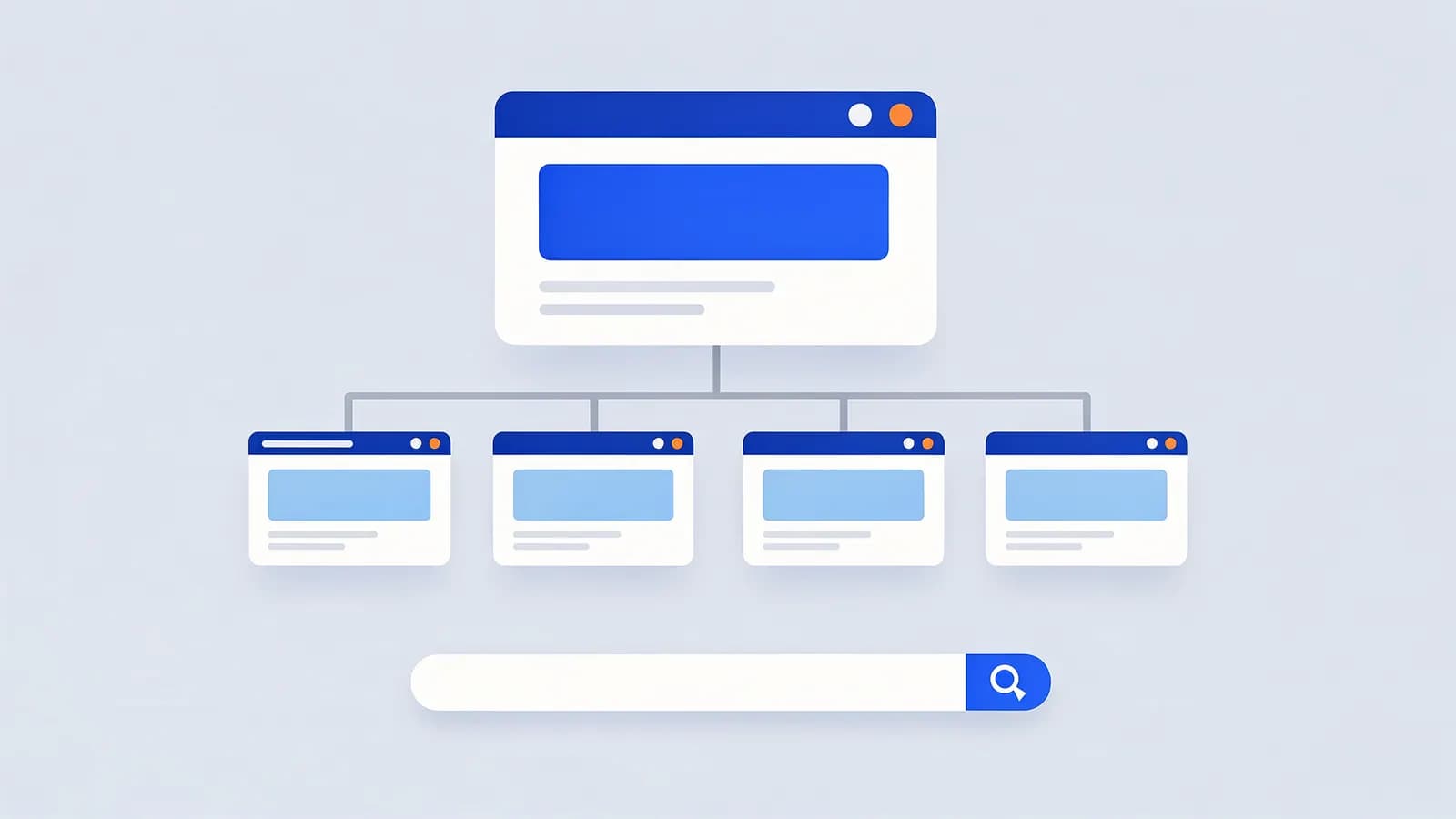
Google generates sitelinks automatically. There is no setting or markup to request them, and Search Console no longer lets you demote individual sitelinks. The sitelinks search box, a search field that used to appear under some results, was retired in November 2024.
Why sitelinks matter for SEO
Sitelinks make a result much bigger and send searchers directly to the page they wanted, which helps branded click-through rate. They also push competitors further down the page for your brand name.
They reflect how well Google understands your site architecture. Clear navigation and descriptive internal links make good sitelinks more likely. Sites with a flat, confusing structure, or many near-identical pages, tend to get fewer or less useful sitelinks.
How to get sitelinks
- Use a clear, logical structure with your important pages linked from the main navigation.
- Give those pages descriptive, unique title tags and headings.
- Use concise, descriptive anchor text in internal links.
- If an unwanted page appears as a sitelink, improve your navigation or, if the page should not be in search at all, noindex it.
Sitelinks FAQ
How do I remove a sitelink?
There is no direct control. Google removed the sitelink demotion tool from Search Console. You can noindex the page if it should not appear in search, or change your internal linking.
Can structured data give me sitelinks?
No. Sitelinks are generated from your site’s structure and links. The old sitelinks search box markup no longer does anything.
Related SEO terms
SERP features are the results on Google’s results page that are not plain blue links, such as AI Overviews, featured snippets, local packs and videos.
Site architecture is how a website’s pages are organised and linked together, which shapes how people and search engines find and value them.
Internal links are links from one page on your site to another. They help visitors navigate, help crawlers find pages and spread link authority.
Branded keywords are searches that include a brand or product name, such as "notion templates" or "tesla model 3 range".
Breadcrumbs are a row of links showing where a page sits in a site’s hierarchy, such as Home > Shoes > Running. They help users and search engines.